Every year, thousands of candidates miss an exam not because they were unprepared but because they could not find, download or understand their admit card. The process is nearly the same for SSC, RRB, IBPS, UPSC and state commissions, yet each website has its own quirks. This guide explains the whole journey in simple steps: when admit cards are released, how to log in, what to do when the link does not work, what to verify on the card, what to carry and how to avoid fake websites. If you remember only one thing, remember this: download from the official website only, and check the card as soon as you get it, not on the exam morning.
Last updated: 9 October 2026. Facts below are compiled from published reports and may change, so confirm on the official website of your exam body before you act.
Admit Card Basics
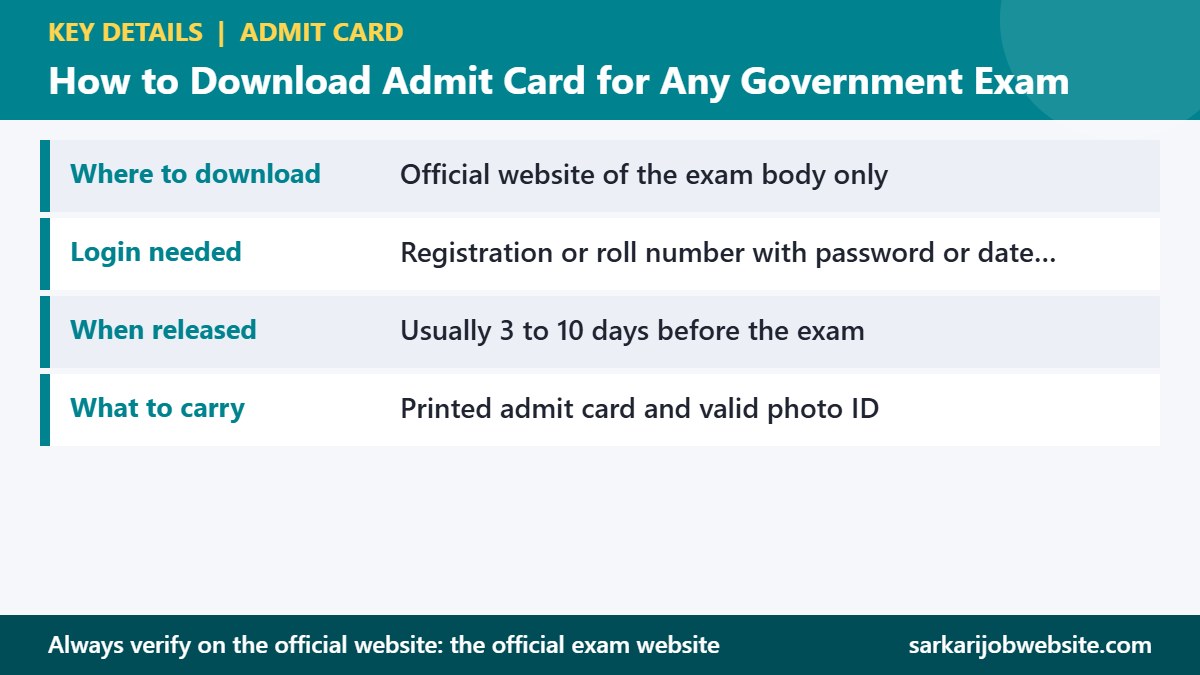
| Particular | Details |
|---|---|
| Where to download | Official website of the exam body only |
| Login needed | Registration or roll number with password or date of birth |
| When released | Usually 3 to 10 days before the exam |
| What to carry | Printed admit card and valid photo ID |
What an admit card is, and the other names it goes by
An admit card is a document issued by the exam conducting body that allows you to enter the exam centre. It carries your photograph, signature, roll number, exam date, shift and centre address. You may also see it called a hall ticket, call letter or admission certificate. All four mean the same thing. Without it, you will almost never be allowed into the exam, so treat it like a ticket for a train journey.
When admit cards are usually released
Release timing varies by body. Many recruitment boards upload the card three to ten days before the exam. SSC releases it in batches two to three days before each exam date. IBPS often releases call letters a week or more before. Some boards issue a city intimation slip first, which tells you the city and date, and the admit card follows closer to the exam. Read the notice for your exam to know the pattern, and do not panic if you do not see a card a month before the exam.
Step-by-step download
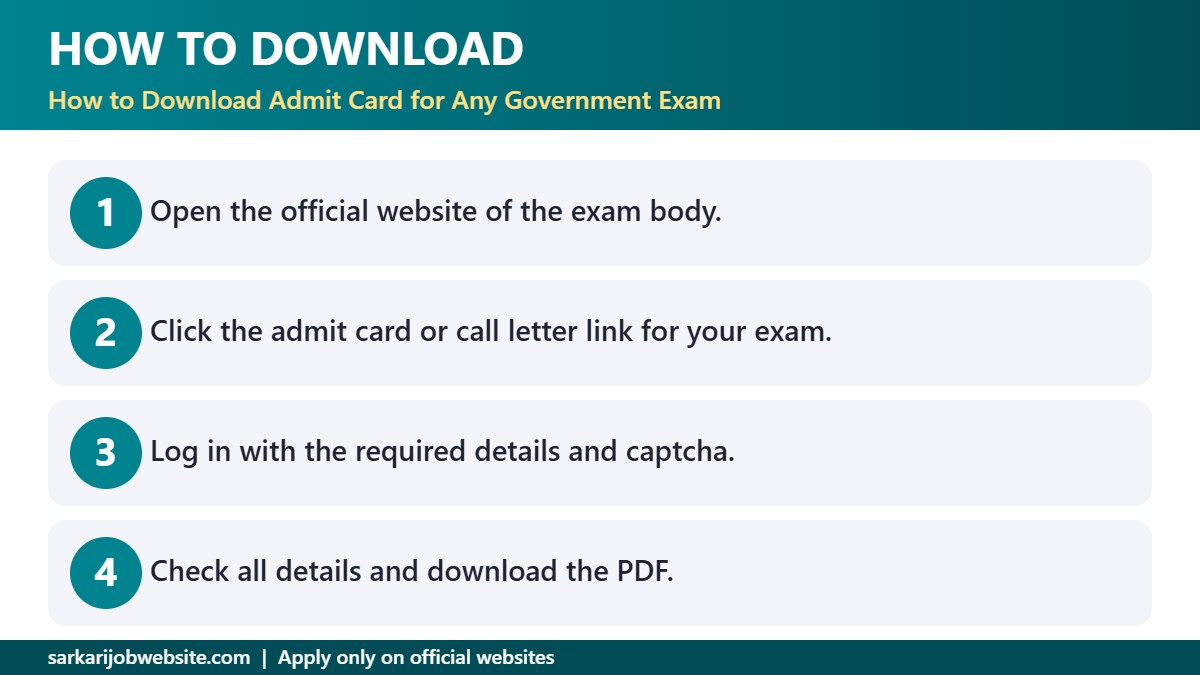
- Open the official website of the exam body. Type the address yourself or use the link in the official notice. Do not click links from messages.
- Find the admit card, call letter or candidate login section.
- Choose the exam name and year.
- Enter your registration number or roll number and your password or date of birth, along with the captcha.
- Check the displayed details, then download the PDF.
- Print at least two copies on clean A4 paper and keep a soft copy in your email.
If the link is not working
- The page is slow or down: traffic is highest on release day. Try early morning, late night or another browser.
- Wrong password: use Forgot Password with your registered email or mobile number. Do not create a new account, because that can cause problems with your application.
- Details do not match: check the date format and any space or capital letter in the registration number.
- No card showing for your exam: read the notice for the release schedule. If the date has passed, write to the helpdesk with your registration number.
What to verify on the card
Open the PDF and read every field. Name and father’s or mother’s name, date of birth, category, photograph, signature, roll number, exam name, date, shift, reporting time, gate-closing time and centre address. If your photograph is blurred or the name is wrong, contact the helpdesk immediately. Some boards require you to carry a corrected card or a letter. Do not wait until the exam morning.
Documents to carry with the admit card
- A valid original photo ID, such as Aadhaar, passport, voter ID or driving licence, as allowed on the card.
- Passport-size photographs, if the card asks for them.
- Any other document in the instructions, such as a declaration or a caste certificate for later stages.
Plan the journey before exam day
Look up your centre address on a map as soon as you get the card. If it is in an unfamiliar area, visit it a day before, or at least check the route and travel time. Book travel and accommodation only after the exam city is confirmed. Plan to reach the centre at the start of the reporting window, because queues for frisking and document checks take time.
What not to bring
Electronic devices, smartwatches, calculators, notes, bags and jewellery are usually prohibited. Most centres have no place to keep them, so leave them at home. Carry only your documents, a transparent water bottle if permitted and a pen if the card says you must bring one.
Avoiding fake websites and scams
Search results often show unofficial websites that look like government pages and offer “direct download links” or ask for a fee. Official admit cards are always free. Check the address bar: official sites end with .gov.in or .nic.in or are the known domain of the recruiting body. Never share your password or OTP with anyone. If a message claims your admit card is “on hold” until you pay, it is a scam.
After you reach the centre
Follow the staff instructions, keep your admit card and ID ready and listen carefully to rules about the exam. Read the instructions on the screen for computer-based tests before you start. If anything is wrong with your computer or the paper, tell the invigilator at once. Keep your admit card after the exam, because you may need it for answer keys, results and later stages.
Where to track exam dates
Our admit card tracker for October 2026 lists the exams currently in progress, and the admit card section carries the latest updates.
A short checklist you can screenshot
- Admit card downloaded and printed twice.
- Details verified, and any error reported.
- Photo ID and photographs in a folder.
- Centre location checked on the map.
- Travel and reporting time planned with a buffer.
- Sleep and food planned for the day before.
For candidates with special needs
If you have a disability and need a scribe, extra time or any facility, read the notice for the procedure and the deadline. Most boards require prior approval, and the facility appears on the admit card. If it does not, contact the board right away with your documents, because it can be difficult to arrange anything at the centre on the exam day.
When something goes wrong on exam day
If you reach late, are told your card is invalid or find a mistake in your name, stay calm and ask to speak to the centre superintendent. Carry proof, such as the registration email or the application PDF, and a government ID. Do not argue with staff. Politely explain, and note the name of the official you spoke to. Afterwards, write to the board with a clear description and your documents.
Frequently asked questions
Is an admit card the same as a hall ticket?
Yes. Admit card, hall ticket and call letter mean the same.
Can I enter with a soft copy on my phone?
Most exams require a printout. Follow the instructions on your card.
What if I lose my admit card?
Download it again from the official website and print it. If the download window has closed, contact the helpdesk with your registration details.
Related Government Job Updates
- Admit Card This Month: Government Exam Hall Ticket Schedule for October 2026
- HBSE Admit Card October 2026: Haryana Board Class 10 and 12 Exams 1 to 22 October
- SSC CGL Admit Card 2026 Out: Tier 1 Exam 30 September to 28 October, Download Link and Shift Timings
- UP Police Constable 2026 Physical Test: 32,679 Posts, Schedule 7 to 10 October and Next Steps
- UIIC AO Admit Card 2026: Prelims Exam 22 October, Expected Call Letter Date and Download Steps
- IBPS Clerk Prelims Admit Card 2026 Out: Exam 10 and 11 October, Download Link and Shift Timings
More in: Admit Card | Upcoming Government Jobs | Sarkari Job Website Home